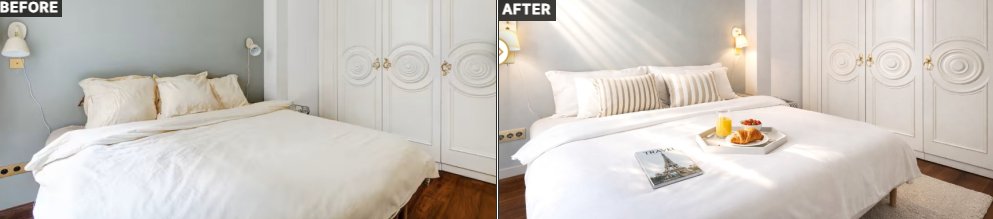
Airbnb listings with professional photos generate up to 40% more bookings. Yet, the majority of owners still publish dark, poorly framed, or rushed shots. SublimeIA is here to change that — even if your starting photo is far from perfect.
Here is exactly what happens between the moment you upload your photo and the moment you receive a result that truly stands out.
1. Your photo is analyzed in seconds
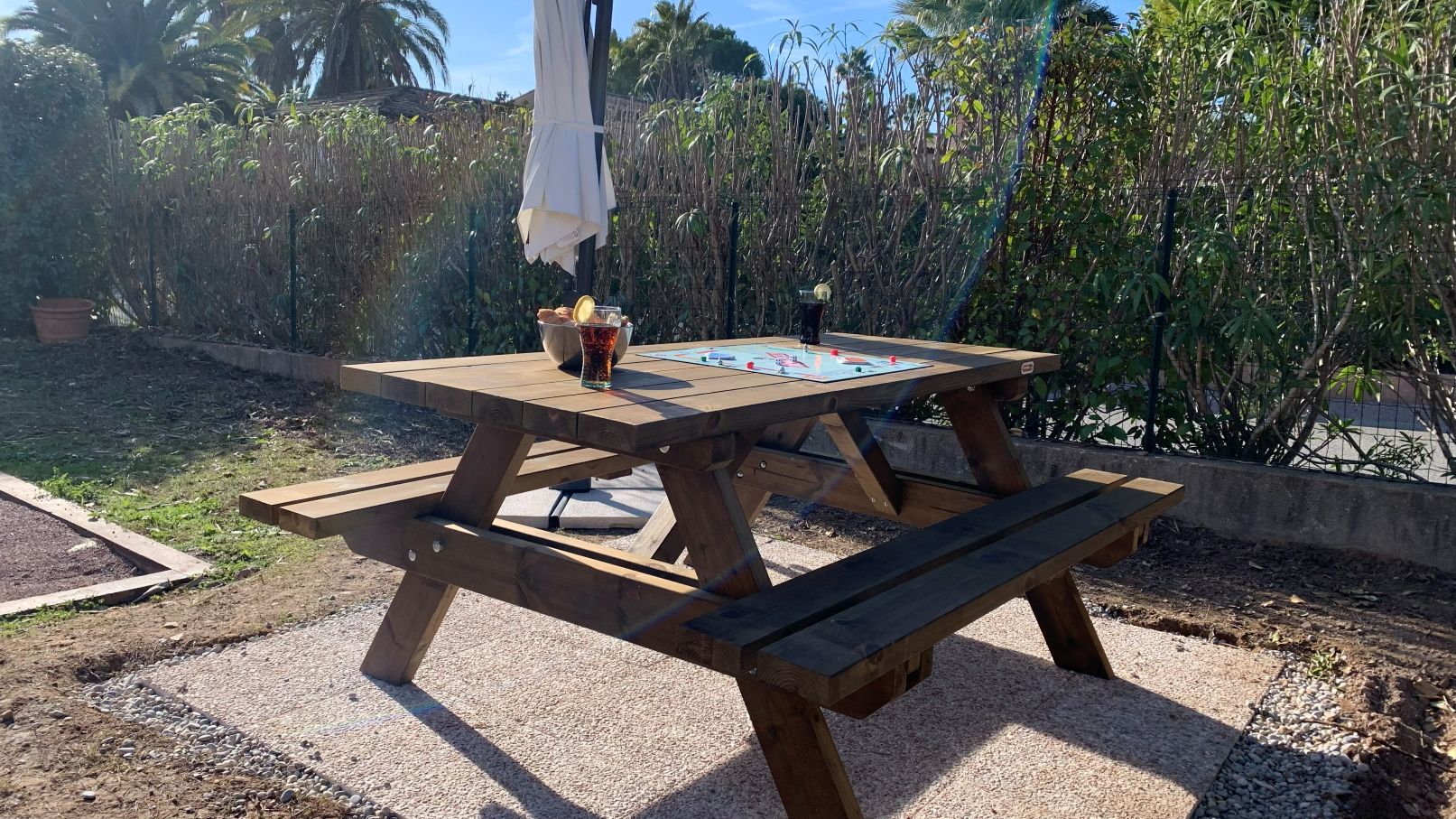
As soon as it's sent, our system automatically identifies the type of room, furniture, general atmosphere, and lighting quality. No need to fill out a form: the AI understands what it sees.
You can also include specific instructions with your photo: a particular mood, an element to highlight, or a constraint to respect. The AI takes these into account before starting the retouching plan.
2. The scene is reconstructed in 3D
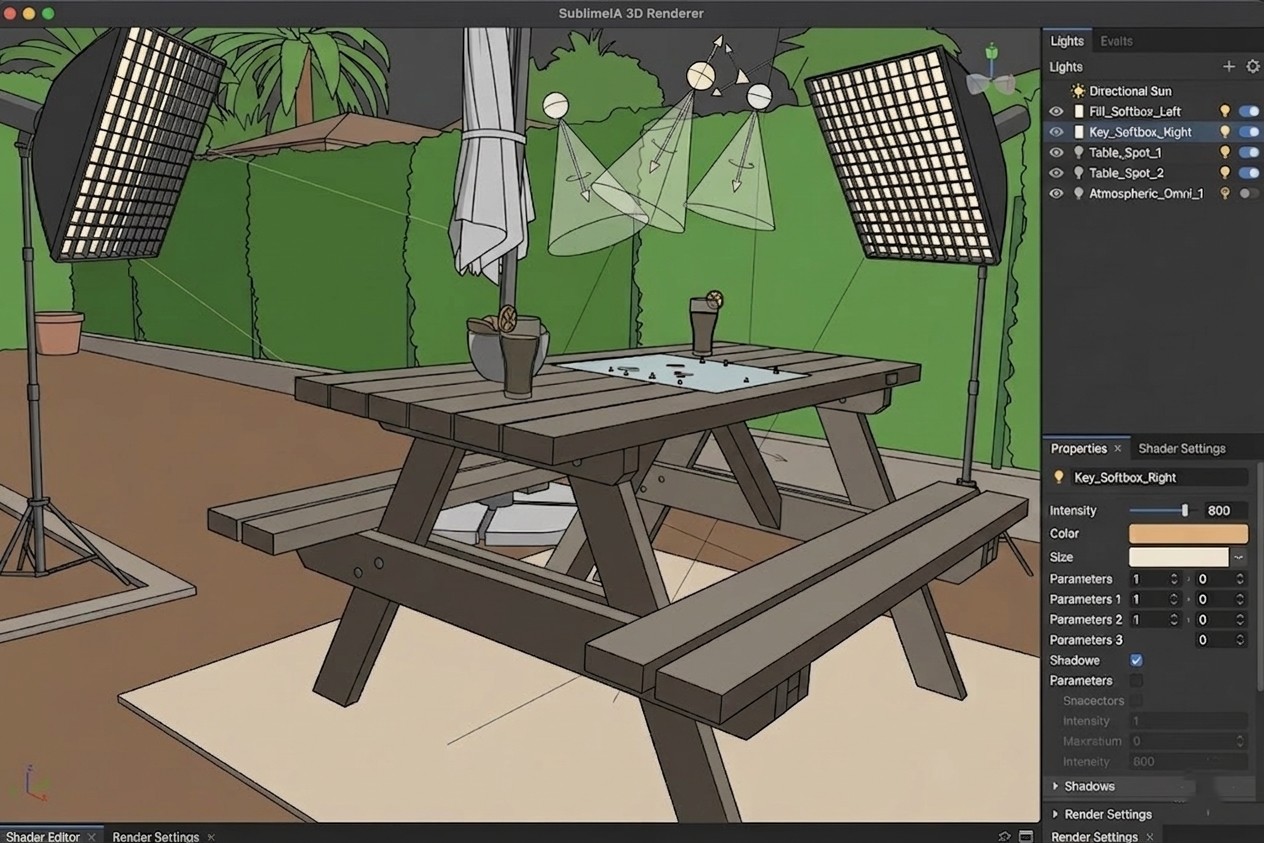
Rather than directly retouching the image file — which often produces artificial results — we reconstruct the scene in three dimensions. This 3D skeleton is our workspace: it allows us to adjust framing, optimize light sources, and add decorative objects to dress up the space. At no point is it used to alter the reality of your property. This is AI-powered photo optimization, without the constraints and costs of a professional photographer.
3. The AI compares your property to top-performing listings
Our model analyzes thousands of high-performing listings on Airbnb and other short-term rental platforms. It evaluates colors, brightness, shooting angles, and the layout of elements — identifying precisely what makes certain rental photos irresistible.
4. A personalized retouching plan is established
This isn't just a simple filter applied on the fly. The AI produces a list of modifications specific to your photo, designed to maximize the attractiveness of your Airbnb listing — while remaining faithful to what the traveler will discover on the day of their arrival.
5. Multiple versions are generated
Recommendations are applied directly to the 3D model, producing several variations. This diversity allows our experts to select the best possible result for your property.
6. A human expert selects and validates the best version
Each variation passes through the hands of an expert from our team. They compare the renders, select the best one, verify the accuracy to the actual accommodation, and correct any imperfections. If no version fully satisfies them, they prompt the AI to go further. You benefit from a discerning human eye — not just an algorithm left to its own devices.
7. Your Airbnb photo is delivered in high resolution within 24h
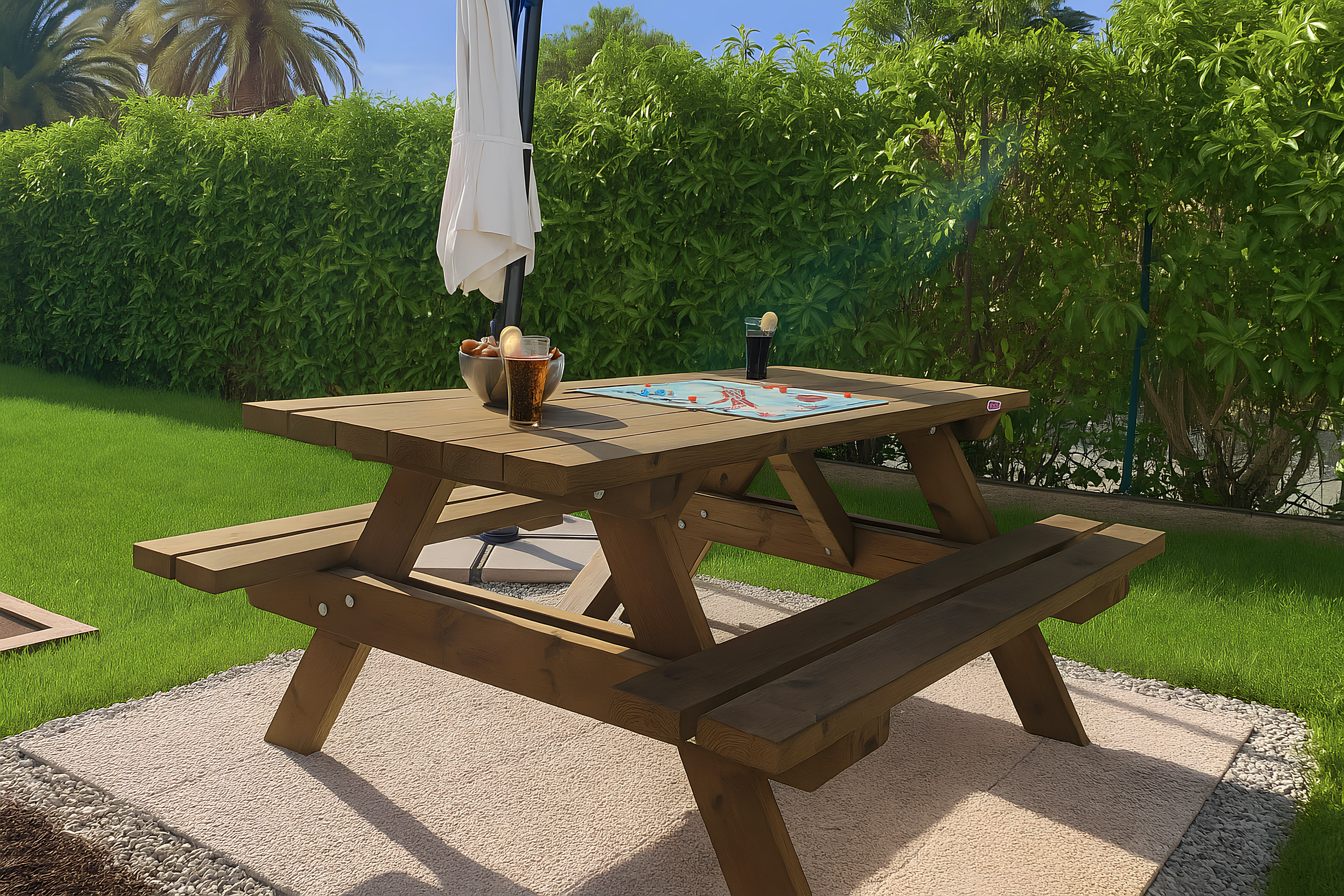
This is one of our most popular features: even if your source photo is low resolution, the final version is delivered to you in high definition. The 3D reconstruction frees us from the technical limitations of your original file. The result is sharp, detailed, and ready to be published on Airbnb, Booking.com, or any other platform — delivered directly to your dashboard.
Our commitment: enhance without distorting
At SublimeIA, we have an absolute rule: your retouched Airbnb photo must accurately reflect what the traveler will find on-site. We improve framing, lighting, and visual harmony. We might add a cushion, a plant, or a candle to bring a space to life. But we do not remove structural defects, change the size of a room, or replace an old sofa with a high-end model that doesn't exist.
A beautiful photo that misleads leads to negative reviews. A beautiful photo that is accurate leads to bookings — and satisfied guests.
The photos speak for themselves. See our before/after results →
Frequently Asked Questions from Airbnb Owners
My photos are blurry or low resolution, is that a problem?
No. This is precisely one of the problems SublimeIA solves. Thanks to 3D reconstruction, we produce a final high-definition image regardless of the quality of your source file.
Are retouched photos compliant with Airbnb rules?
Yes. Our retouches are faithful to the reality of your accommodation. We don't invent anything: we highlight what already exists. Your photos comply with Airbnb's terms of service.
How long does it take to receive my photos?
Your retouched photo is delivered to your dashboard within 24 hours.
Can I give specific instructions on the desired look?
Yes. When uploading, you can indicate your preferences: atmosphere, elements to emphasize, or decorative style. The AI takes this into account from the start.
Ready to boost your bookings?
Transform your photos in minutes using our AI technology.